 Support
IPTV Troubleshooting: Fix Buffering, Freezing & Connection Issues
By Tech Support • 2025-01-01
IPTV Troubleshooting Guide
Even the best IPTV subscription can experience occasional issues. This comprehensive guide helps you diagnose and fix common problems quickly.
Quick Overview
- ✅ Buffering solutions
- ✅ Channel loading fixes
- ✅ App troubleshooting
- ✅ Connection issues
- ✅ Quality optimization
Buffering and Freezing Issues
Buffering is the most common IPTV problem. Here's how to fix it:
Check Your Internet Speed
Minimum requirements:
- SD channels: 5 Mbps
- HD channels: 15 Mbps
- 4K channels: 25+ Mbps
Use speedtest.net to verify your actual speeds.
Quick Fixes for Buffering
| Solution | Effectiveness | Difficulty |
|---|---|---|
| Switch to wired connection | High | Easy |
| Restart router | Medium | Easy |
| Clear app cache | Medium | Easy |
| Lower video quality | High | Easy |
| Change DNS servers | Medium | Moderate |
Advanced Buffering Solutions
-
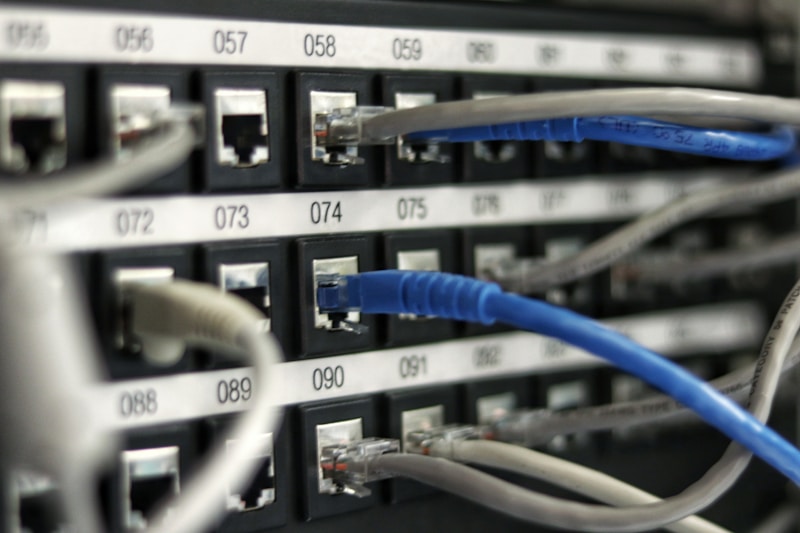
Use Ethernet Connection WiFi introduces latency. A wired connection is always more stable.
-
Optimize Router Settings
- Enable QoS (Quality of Service)
- Prioritize streaming device
- Update router firmware
-
Change DNS Servers
- Google DNS: 8.8.8.8, 8.8.4.4
- Cloudflare: 1.1.1.1, 1.0.0.1
-
Use a VPN Sometimes ISPs throttle streaming. A VPN can bypass this.
Channels Not Loading
When channels fail to load:
Step 1: Check Subscription Status
- Verify your subscription is active
- Check for payment issues
- Contact provider if expired
Step 2: Restart Everything
- Force close the IPTV app
- Restart your streaming device
- Restart your router
Step 3: Re-enter Credentials
- Delete existing playlist/login
- Re-enter credentials fresh
- Check for typos
Step 4: Try Different App
If one app fails, try another:
- Switch from Smarters to TiviMate
- Use a different player app
App Crashes and Errors
Firestick App Issues
App crashes on launch:
- Clear app cache (Settings > Applications)
- Clear app data
- Uninstall and reinstall
Out of storage errors:
- Clear cache on all apps
- Uninstall unused apps
- Consider USB storage expansion
Smart TV App Issues
App not responding:
- Close and reopen app
- Restart TV
- Check for app updates
- Reset Smart Hub (Samsung)
EPG (TV Guide) Problems
EPG Not Showing
- Wait 24 hours after setup
- Enable EPG in app settings
- Check EPG URL with provider
- Clear cache and refresh
EPG Wrong Times
- Set correct timezone in app
- Update device timezone
- Refresh EPG data
Audio/Video Sync Issues
When audio doesn't match video:
-
Switch Audio Track
- Look for alternate audio options
- Try different language track
-
Adjust Player Settings
- Look for A/V sync option
- Try hardware decoding
-
Restart Playback
- Exit and re-enter channel
- Clear app cache
Connection Error Messages
"Server Not Found"
- Check internet connection
- Verify server URL
- Try at different time (server maintenance)
"Authentication Failed"
- Double-check username/password
- Verify subscription active
- Contact provider
"Too Many Connections"
- Check devices using subscription
- Log out unused devices
- Consider upgrading plan
Device-Specific Issues
Firestick Optimization
- Disable auto-updates temporarily
- Clear system cache
- Keep Firestick cool (ventilation)
Android TV Issues
- Check for system updates
- Reset network settings
- Factory reset as last resort
Smart TV Troubleshooting
- Update TV firmware
- Reset Smart Hub
- Check network connection
When to Contact Support
Contact your IPTV provider when:
- All channels are down
- Payment issues
- Credential problems
- Persistent issues after troubleshooting
Information to Provide
- Device type
- App name and version
- Error messages
- Steps already tried
Preventive Maintenance
Keep your IPTV running smoothly:
-
Weekly Tasks
- Restart streaming device
- Clear app cache
- Check for updates
-
Monthly Tasks
- Restart router
- Update apps
- Review subscription status
Frequently Asked Questions
Q: Why does IPTV buffer during prime time? A: High demand on servers. Try alternative channels or wait for off-peak hours.
Q: My IPTV worked yesterday but not today? A: Check subscription status, restart device, and verify internet connection.
Q: Can a VPN fix IPTV issues? A: Sometimes, especially if your ISP is throttling streaming traffic.
Q: Should I clear cache daily? A: Weekly is sufficient for most users.
Conclusion
Most IPTV issues have simple solutions. Start with basic troubleshooting (restart, clear cache) before moving to advanced fixes. If problems persist, don't hesitate to contact customer support.
Experiencing persistent issues? Contact our 24/7 support for expert assistance!